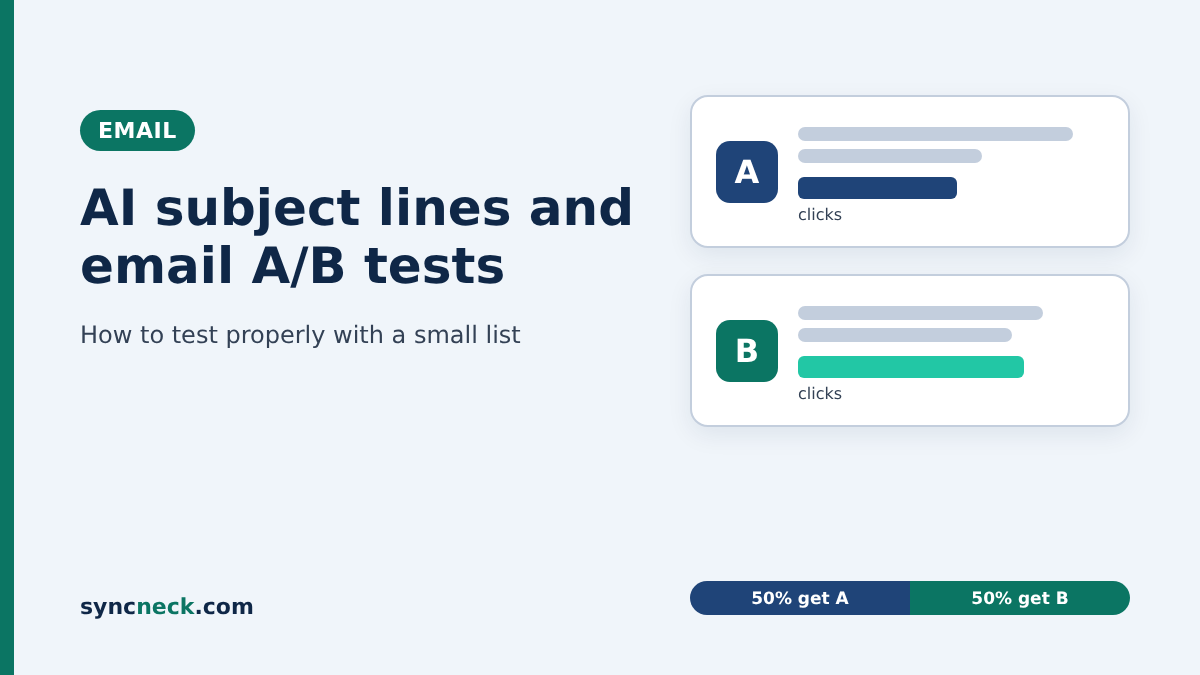
Yes, AI can write decent subject lines, but a small list can’t tell you which one won if you judge by opens after an hour. Get AI to draft two subject lines that are genuinely different, split your whole list 50/50, judge the result by clicks or orders, and repeat the same kind of test over a few campaigns before you trust it.
Most email tools now put an AI button right next to the subject line field. Mailchimp has one, Brevo has its AI assistant, and Zoho Campaigns has Zia, which drafts subject lines and pre-headers from a short description of your campaign. Ask for ten options and you’ll have them in seconds. Writing options was never the hard part, though. Knowing which one actually worked is, and that’s where a shop or clinic with 500 or 2,000 subscribers gets misled by its own dashboard.
Why your open rate can’t pick the winner any more
Opens are counted with a tiny invisible image inside the email. Apple’s Mail Privacy Protection loads that image for many Apple Mail users whether they read the email or not. Mailchimp’s own help page says this inflates open rates, warns that A/B tests based on opens might not be accurate, and suggests using click rates instead.
In India a big chunk of your list is probably on Gmail on Android, so the effect may be smaller than it is for a brand in the US. But you don’t know the exact split for your list, and when each version goes to only 200 people, a handful of phantom opens is enough to flip the result. Clicks are much harder to fake. Replies, WhatsApp enquiries and actual orders are better still.
There’s a second problem. A subject line that wins on opens and then loses on clicks hasn’t won anything. “Last chance!!” can pull people in and then disappoint them the moment they see the email.
How many subscribers do you actually need?
Fewer than you fear for big differences, and far more than you have for small ones.
I ran the standard two-proportion sample size formula, at 95% confidence and 80% power, which is the same maths behind Evan Miller’s free sample size calculator. If your usual click rate is 3% and a new subject line pushes it to 6%, you need roughly 750 people per version to spot that reliably. If it only nudges clicks to 4.5%, you need about 2,500 per version. A one-word tweak that moves 3% to 3.3% would need more than 50,000 per version. For context, Brevo’s guide to email A/B testing (in French) recommends at least 5,000 contacts in a campaign before you treat a subject line result as statistically significant.
So if you have 1,500 subscribers, only test changes big enough to matter, and accept that a single send gives you a hint rather than proof. Plug your own numbers into the calculator once. It takes two minutes and saves a lot of false conclusions.
Getting AI to write subject lines worth testing
Left to itself, AI gives you ten versions of the same idea: “Exclusive Diwali offer inside”, “Don’t miss our Diwali deals”, “Your Diwali savings await”. Testing two of those teaches you nothing, because they’re the same subject line in different clothes. Ask for different angles instead.
A prompt like this works in ChatGPT, Gemini or the assistant built into your email tool: “Here’s my email: [paste it]. Write subject lines under 50 characters for a small saree shop’s subscribers in Coimbatore. Give me one that leads with the price, one with a deadline that’s true (the sale ends Sunday), one that sounds like a personal note from the owner, and one that asks a question. No emojis, no all caps, no ‘Re:’. Don’t promise anything that isn’t in the email.”
Then pick the two that answer a question you actually care about, say price-first versus the owner’s voice. If the personal note wins three campaigns out of four over the next few months, you can use that in every email, SMS and WhatsApp broadcast you send. That’s worth more than one lucky subject line.
Keep it short. Mailchimp’s A/B testing help recommends 60 characters or fewer, and a phone screen shows even less. Write the preview text yourself too, otherwise many inboxes simply show the first line of your email, which is often something like “View this email in your browser”.
What the AI gets wrong here
AI subject lines go wrong in predictable ways, so read both versions the way a slightly suspicious customer would. Google’s email sender guidelines say the subject should accurately represent the message and not be misleading, and specifically mention not starting a subject with “Re:” or “Fwd:” unless the email really is a reply or forward. Gmail’s list of top sender issues also says not to use emojis to imply you’ve been verified in some way. Before anything goes out, I’d check:
- Is every promise in the subject line actually in the email? “Flat 50% off” when the offer is “up to 50% off” is a complaint waiting to happen.
- Is the deadline real? AI loves “Today only” even when your sale runs all week.
- Did it add the customer’s first name? Fine if your data is clean, embarrassing if half your list is saved as “Customer” or a phone number.
- Does it sound like you? If you’d never say “Discover the ultimate festive collection” across the counter, don’t send it.
- Does the main point show in the first 35 to 40 characters, where a phone will definitely display it?
And make the two versions differ in one thing only. If version A leads with the price, is longer and has an emoji, you won’t know which of the three changes did the work.
How I’d run it with 1,800 subscribers
Here’s a made-up example. Meena runs a saree boutique in Coimbatore and has 1,800 email subscribers, mostly customers who gave their email at billing. A normal campaign gets her around 50 clicks. For the Diwali collection email she wants to test “New silk cottons from ₹1,450” against “I picked these for Diwali myself, Meena”.
She skips the “send to 20%, wait, then send the winner” option. With 1,800 people that’s 180 per version in the test phase, and maybe five or six clicks each. That’s noise. Instead she splits the whole list in half. Mailchimp lets you do this: for a small audience you can send all the combinations to everyone at once rather than holding back a remainder.
She waits two full days, not a few hours, because her customers read email after dinner. Then she looks at clicks, plus something the tool can’t see: how many people mentioned the email on WhatsApp or asked about the silk cottons at the shop. Everything goes into a simple sheet with the date, what was tested, clicks for each version, orders and a one-line note like “festival week, sent Friday 7 pm”.
Say the personal note gets 41 clicks and the price line gets 33. That’s not proof. With 900 people on each side, a gap that size could easily be chance. But if the next three campaigns lean the same way, she’s learnt something real about her customers.
The mistake that wastes most tests
Calling the winner too early, on opens, and then never testing that idea again. Mailchimp recommends waiting at least four hours before the winning version goes to the rest of your list, and for a shop whose customers check mail at night even that’s short.
The quieter version of the same mistake is testing something trivial, a comma or a single word, just because the AI made it easy to generate. As the numbers above show, you’d need a list the size of a national retailer to see a difference that small.
My honest view: below about a thousand subscribers, the formal A/B tool matters less than the habit. One fixed comparison that you repeat every month, judged on clicks and real enquiries, will teach you more than the automatic “winner” badge ever will. The trade-off is patience. You’ll wait two or three months for an answer instead of four hours, and some months the answer will be “no difference”, which is also useful to know.
Where I’d start
Open your last five campaigns and write down the click rate for each. That’s your baseline, and it tells you how big a jump you’d need before a test result means anything. Then pick one question, like price-first versus a personal note, and let AI draft the options for your next send.
If your emails are landing in spam, fix that before testing anything; our guide to why emails go to spam covers the Gmail, Yahoo and Outlook sender rules. For prompts you can reuse beyond email, see 15 AI prompts for small-business marketing, and to connect email clicks to actual sales, try our weekly GA4-to-sales scorecard. And if you’d like someone to look over your email setup, get in touch with the SyncNeck team.