Web analytics: read your numbers and know what to change
Analytics tells you where visitors come from, what they do on your site and whether they become customers. You do not need every report, just the few that lead to better decisions.

The numbers that matter first
Google Analytics 4 and Search Console are free and cover almost everything a small site needs.
Traffic sources
See whether visitors arrive from search, social, email, ads or other sites.
Engagement
Engaged sessions and time on page show whether people actually read what you publish.
Conversions
Key events such as sign-ups, enquiries and sales show whether traffic turns into results.
Search performance
Search Console shows the queries you appear for, your clicks and your average position.
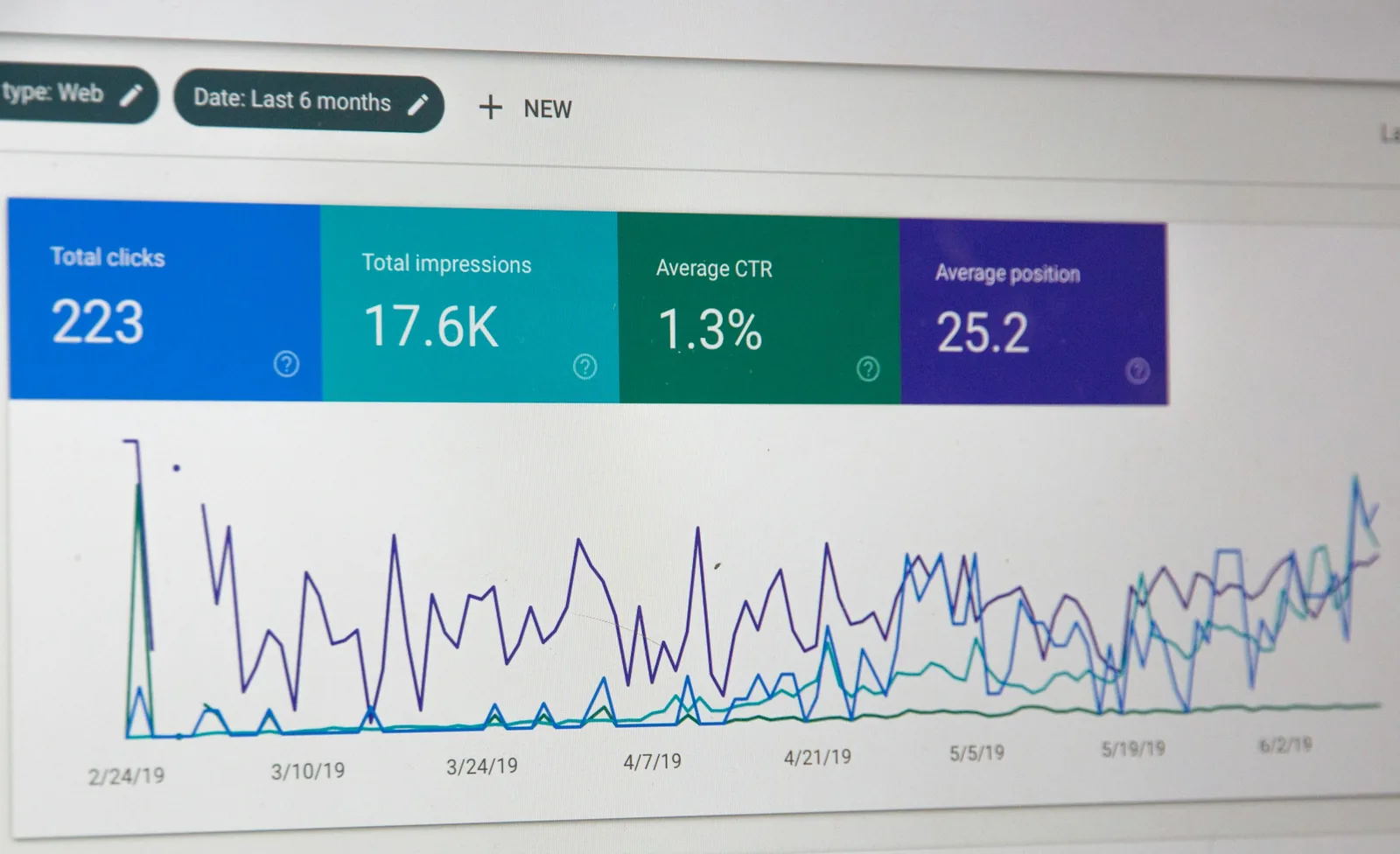
Reports worth checking every Monday
Ten minutes a week with these reports is enough to spot problems and wins early.
A simple four-week plan
Install GA4 and Search Console
Add both to your site and confirm data is arriving.
Mark your key events
Tell GA4 which actions matter, such as form submissions or purchases.
Build a weekly check
Save the handful of reports you will review every week.
Act on one insight
Each week, change one thing based on the numbers and watch what happens.
Quick answers
GA4 or Search Console, which do I need?
Both. Search Console shows how you appear in Google. GA4 shows what visitors do once they reach your site.
Why do GA4 and Search Console numbers differ?
They measure different things. Search Console counts clicks in Google, while GA4 counts visits that load its tracking code.
How much data do I need before deciding?
Look at trends over a few weeks rather than single days, especially on smaller sites.
Get the week's changes every Monday
Five updates across SEO, ads, social and email, with what to do about each one.