An AI chatbot helps a small-business website when it answers the same few questions your staff answer every day and passes anyone ready to buy to a real person quickly, with their name and number captured. It loses leads when it guesses prices, traps people in menus, or saves enquiries that nobody ever reads. Test it the way an impatient customer would before it goes live, and keep a WhatsApp or call button visible right next to it.
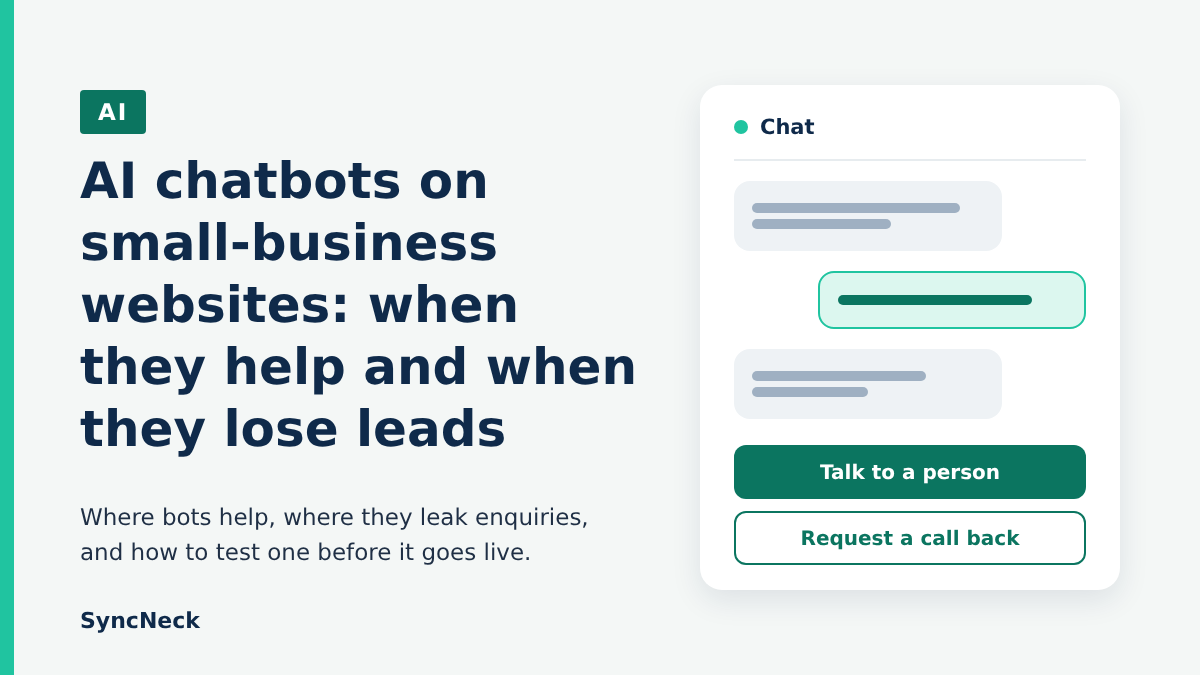
Chatbots are easy to add now. Plenty of website builders and WordPress plugins bundle one, often on a free plan, and the pitch is always the same: never miss an enquiry again, even at 2 am. That part can be true. But a bot that answers badly does something worse than missing a lead. It talks to the lead, irritates them and sends them to the shop down the road. You never find out, because nothing shows up as a missed call.
Where a chatbot earns its place
Think about what your front desk or your WhatsApp number answers all day. Timings. Location. Do you take UPI? Are you open on Sunday? Do you deliver to a particular pin code? These questions have one correct answer that rarely changes, and a bot that answers only from your own information handles them well at any hour.
The second good use is collecting basics before a person takes over. A coaching centre doesn’t need a bot to sell its course. It needs the bot to ask which class the student is in, which batch timing suits them and what number to call back on, and then pass that to the counsellor.
Late-night enquiries are the other case. People often research bigger decisions, a wedding photographer, a home interior job, in the evening after work. If your site only says “Call us 10 to 7”, a bot that takes the enquiry and promises a call next morning beats silence.
How a chatbot quietly loses you leads
The biggest leak is a bot that tries to answer everything. Ask it what a root canal costs and a general AI model will happily produce a confident figure that has nothing to do with your rate card. The customer either walks in expecting that price or decides you’re too expensive and never asks again.
Then there’s the loop. The visitor types “I want to talk to someone” and the bot replies with three menu buttons, none of which say that. Most people won’t try twice. They close the tab.
A quieter problem is the lead that’s captured and goes nowhere. The bot stores the name and phone number in a dashboard nobody logs into, or emails an address someone set up years ago and stopped checking. The chatbot’s report says it collected enquiries. Nobody called them back.
And sometimes the bot simply gets in the way. A chat window that pops open on a phone and covers the Call button on your contact page means the person who already knew what they wanted now has to hunt for a tiny close icon first.
A hypothetical Saturday at a dental clinic
Picture a two-dentist clinic in Coimbatore that adds an AI chatbot to its site, pointed at the homepage and nothing else. On a Saturday evening a parent asks whether the clinic treats children and what braces cost. The bot quotes a price range the clinic never gave it and adds that the clinic is open on Sunday mornings. It isn’t.
The parent turns up on Sunday at ten, finds the shutter down, and books with another clinic that week. Nobody at the first clinic ever hears about it, because the conversation sits in a chat log that no one reads.
That story is made up, but every piece of it is easy to reproduce with a badly set-up bot.
Whatever the bot says, you said it
In February 2024, a tribunal in British Columbia, Canada, ruled against Air Canada after its website chatbot gave a customer wrong information about bereavement fares. The airline argued the chatbot was responsible for its own actions. The tribunal disagreed, holding that the chatbot was part of the airline’s website, so the airline answered for what it said (summary from the American Bar Association). That’s a Canadian small-claims decision, and Indian courts may see things differently, so treat it as a warning rather than a rule. I still wouldn’t plan on telling an upset customer “the bot said it, not us”.
Personal data is the other side of this. India’s Digital Personal Data Protection Rules, 2025 were notified in November 2025, and most of the obligations on notice and consent come into force on 12 May 2027 (timeline from AZB & Partners). A chatbot that asks for names, phone numbers or details about someone’s health or money is collecting personal data. A short line inside the chat saying what you collect and why, and a habit of deleting old chat logs you don’t need, are sensible even before then. This isn’t legal advice. If your bot handles anything sensitive, talk to a lawyer.
Test it like an impatient customer would
Before the bot goes live, and again whenever your prices or timings change, spend half an hour trying to break it. Use your phone, since that’s how many customers will meet it. This is the checklist I’d run:
- Ask your five most common real questions (timings, location, fees, UPI or card, delivery area) and compare each answer with what your staff would say.
- Ask for something it shouldn’t know, like an unpublished price or a discount. A good bot says it’ll check and asks for your number. A bad one invents an answer.
- Type “talk to a person” and “call me” in plain words. A human option should appear within one reply.
- Ask in the language your customers actually use, whether that’s Hindi, Telugu, Tamil or Hinglish, and see if the reply still makes sense.
- Leave a test enquiry with your own name and number, then check that it reaches WhatsApp, email or wherever your team really looks, and note how long it took.
- Open the page on a small phone and confirm the chat window doesn’t hide your call button, WhatsApp link or enquiry form.
- Raise a complaint or describe a symptom and check it doesn’t give advice or make promises you wouldn’t.
If it fails the invented-answer test, restrict it to replying only from a short document you write yourself, with a fallback line such as “Let me get someone to call you” for everything else. If it still guesses after that, switch it off. No bot is better than a bot that invents your prices.
Don’t let the widget slow your pages down
Chat widgets are usually third-party scripts, and they load on every page whether anyone opens them or not. Google’s Lighthouse documentation lists chat widgets among the embeds that can use a “facade”, a lightweight button that looks like the chat icon and loads the real widget only when someone taps it (Chrome for Developers). The catch, which the page admits, is that some features such as unread-message badges wait until the real widget loads. For most small sites that’s a fair swap. Ask your developer or plugin provider whether delayed loading is supported, and check your page speed before and after adding the bot.
Maybe your bot belongs on WhatsApp instead
For many Indian customers, the natural place to ask a question is WhatsApp, not a chat bubble on a website. If people already message you there, an automated first reply that answers timings and takes a callback request might do more than any widget.
One thing to know. From 15 January 2026, WhatsApp’s Business API terms bar AI companies from distributing general-purpose assistants through it, and Meta has said the change doesn’t affect businesses using AI to serve their own customers (TechCrunch report). So a bot that answers questions about your shop is fine. It’s one more reason to keep any WhatsApp bot narrow, focused on your business, with an easy route to a person.
Where I’d start
My honest view: most small businesses don’t need an AI chatbot on day one. A clear contact page, a WhatsApp button and a form that actually reaches someone will catch more enquiries than a clever bot sitting on top of a broken follow-up process. If your team takes a day to reply to WhatsApp messages, a chatbot won’t fix that. It’ll just collect more people who are waiting.
If you do get a lot of repeat questions, especially outside working hours, a bot is worth a trial. Give it one job, answering the FAQ and taking a callback number. Feed it only your own information. Then read every conversation for the first two weeks. You’ll learn what customers really ask, which is useful even if you switch the bot off afterwards.
The mistake to avoid is judging the bot by how many chats it handled. Count how many chats turned into a call, a booking or a sale. That’s the number that tells you whether it’s earning its spot on your page.
A chatbot is only as good as what happens after it hands over the lead. Our guides on testing a lead form all the way to the first reply and a low-cost AI lead follow-up workflow cover that part, and using AI to reply to Google reviews shows the same check-before-it-goes-public habit. For a second opinion on your own site, contact the SyncNeck team.