
Guest post by Andreas Magnusson.
A product listing has two jobs: help the right shopper discover the product and give that shopper enough accurate information to make a confident decision. Search visibility matters, but visibility alone is not success. A listing that attracts the wrong audience or leaves important questions unanswered can generate clicks without sales.
Treat search optimisation and customer experience as parts of the same task. Explain what the product is, use language buyers understand, provide complete information and make claims verifiable. Requirements differ between marketplaces, so check the current rules for the platform, country and category.
1. Start with buyer intent
Before editing a title or description, define the product precisely and consider what a shopper is trying to accomplish. Someone searching for “linen table runner” may compare materials and dimensions. Someone searching for “rustic wedding table decor” may want a particular style or occasion. These searches overlap, but they express different intent.
Write down the product’s essential facts: what it is, its main use, material, size, colour, model or compatibility, and what distinguishes it from similar products. Identify the likely buyer and the questions that person needs answered before purchasing.
Avoid choosing keywords only because they have high search volume. A broad phrase can attract visitors who are not looking for your product. A specific phrase may attract fewer searches but match the item and buyer expectations more closely. Relevance comes first; search volume is one consideration.
2. Research and use keywords naturally
Build a focused keyword set around the product. Include its plain-language name, important attributes, common synonyms and specific use cases where they genuinely apply. Search suggestions, marketplace categories and customer questions can reveal how buyers describe an item.
Separate primary terms from supporting details. The primary term identifies the product. Supporting terms clarify material, size, style, audience or intended use. Do not add a popular term if it does not accurately describe the item.
Use keywords in readable language. Repeating the same phrase in every field makes a listing harder to scan and can reduce buyer confidence. Search systems vary, and no keyword formula guarantees a particular position. The objective is to make the product’s identity and relevant attributes clear.
3. Write clear, search-friendly titles and tags
A useful title identifies the item quickly and brings its most important details forward. Put the product name near the beginning, followed by attributes that matter to buyers. Remove filler, subjective claims and repetition. A title should read like a clear description, not a string of search terms.
For example, “Insulated Stainless Steel Water Bottle, 750 ml, Matte Black” is easier to understand than “Best Bottle Water Bottle Gym Fitness Gift Black Steel Hot Cold Amazing.” The first names the product and gives concrete details; the second mixes vague claims and unrelated phrases.
Title length and available fields depend on the marketplace and category. Etsy’s guidance encourages clear, buyer-friendly titles and explains that search considers multiple parts of a listing. Amazon has its own <a href=”https://sellercentral.amazon.com/gp/help/external/GYTR6SYGFA5E3EQC” target=”_blank” rel=”noopener”>title requirements</a>. On eBay, titles and item specifics help buyers find and filter products.
Tags should add useful search language rather than mechanically duplicate the title. Where tags are available, use relevant multi-word phrases covering distinct aspects of the product. Check platform limits and prohibited-content rules before publishing.
4. Create useful, customer-focused descriptions
The opening lines should make clear what is being sold. Follow with information buyers need: dimensions, materials, included components, compatibility, care instructions, variations, condition and limitations. Use short paragraphs, headings or bullet points so facts are easy to find.
Describe benefits through specific, supportable details. “Made from 100% cotton” is more useful than “premium quality” when material is the relevant selling point. If a product is compatible with a particular model, name it and do not imply wider compatibility unless verified. Avoid health, safety, environmental or performance claims without evidence.
Keep the description consistent with the title, images, attributes and actual product. If the title says “set of two,” make the quantity clear in the description and photographs. Disclose flaws. Accurate descriptions help shoppers make informed decisions and reduce misunderstandings, returns and support requests.
Worked example (illustrative product)
Weak listing: “Best Travel Mug Coffee Cup Hot Cold Gift Amazing Quality 2026”
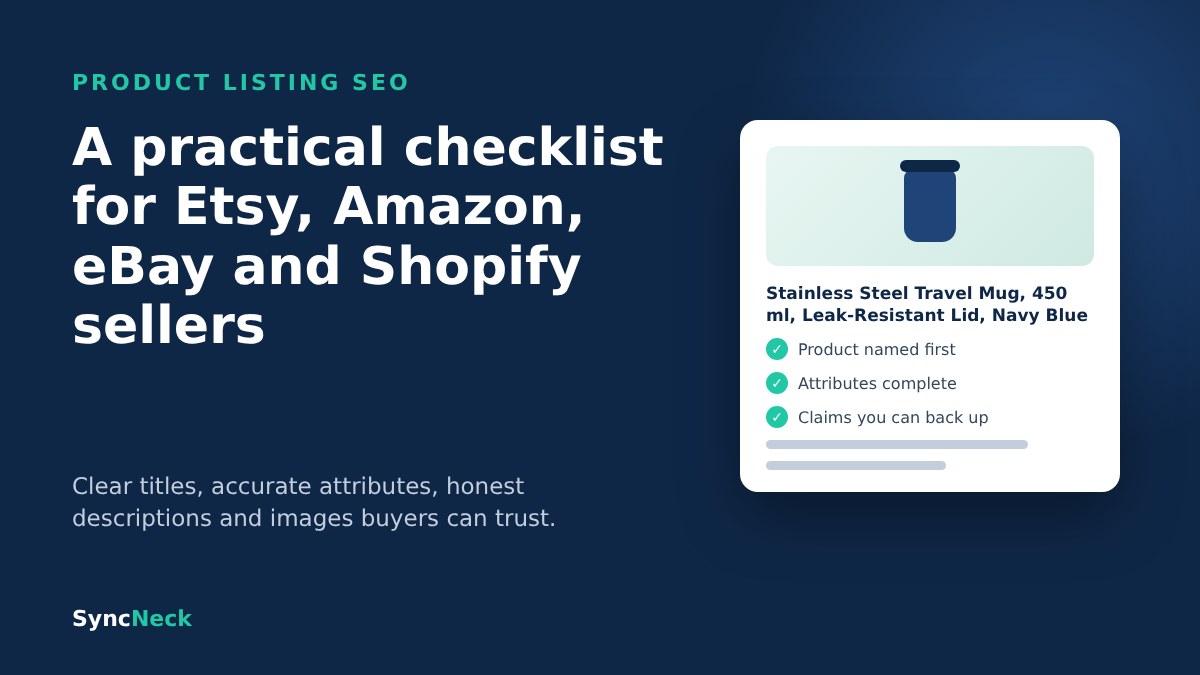
Improved listing: “Stainless Steel Travel Mug, 450 ml, Leak-Resistant Lid, Navy Blue”
Improved description: “Reusable 450 ml stainless steel travel mug in navy blue. Includes a screw-on lid with a silicone seal. Designed for carrying coffee or tea during a commute. Hand-wash recommended. Check the dimensions below to confirm it fits your cup holder. One mug is included.”
What changed and why: The revised title identifies the product first and replaces vague promotional language with verifiable attributes. The description states capacity, material, colour, lid type, intended use, care information and quantity. It avoids promising a specific heat-retention time because no test evidence has been supplied. This fictional example demonstrates clearer listing structure.
5. Complete attributes and categories accurately
Choose the closest accurate category before filling in product attributes. Categories and structured fields organise inventory and allow shoppers to narrow results with filters. Complete required fields and relevant recommended fields.
Useful attributes may include brand, model, size, colour, material, dimensions, style, condition, compatibility, product identifiers or quantity. Use predefined values when they accurately describe the item. Never guess a brand, identifier or specification to fill an empty field. If a field does not apply, follow the platform’s instructions rather than entering misleading information.
This is particularly important on eBay, where item specifics are used in buyer filters, and on platforms where category selection determines available attributes. Revisit category requirements because platforms can update required fields.
6. Use strong images and follow marketplace-specific guidance
Images should show the actual product clearly and accurately. Use good lighting, sharp focus and a background that does not distract. Show useful angles and close-ups of important details, labels, materials or imperfections. Where scale matters, provide dimensions and, if helpful, a reference image.
The first image should make the product easy to recognise. Additional images can show what is included, how the product is used and its condition. Do not imply accessories are included when they are not. Follow marketplace image rules, including restrictions on overlays, watermarks or stock photography where applicable.
Check each platform’s official requirements before making changes:
- Etsy: Seller Handbook: New Guidance for Listing Titles and Etsy SEO for Shop and Listing Pages
- Amazon: Seller Central: Product title requirements and guidelines
- eBay: Seller Center: Create Great Listings and Item Specifics
- Shopify: Help Center: Adding Keywords for SEO and Product Details Page
These resources are starting points, not substitutes for checking current rules for a particular country, category or product type.
Editor’s note for sellers in India: Amazon.in, Flipkart and Meesho each publish their own listing and catalogue rules in their seller help centres. Check the rules for your marketplace and category before editing live listings.
7. Review performance and run a final listing audit
Record a baseline before making substantial edits. Depending on the platform, useful measures may include impressions, search visits, click-through rate, conversion rate, units sold, returns and customer questions. Not every marketplace provides every metric, so use reliable information available to you.
Change a limited number of elements at a time where practical. If the title, price, images and description all change together, it becomes difficult to understand which change influenced the result. Allow enough time for data to become meaningful, accounting for seasonality, stock availability, price changes and advertising. A short-term fluctuation is not proof that an edit worked or failed.
If a listing receives impressions but few clicks, review whether the title and first image communicate the product clearly. If it receives clicks but few purchases, examine price, delivery costs, product details and whether the page answers common questions. Treat these as diagnostic clues, not guaranteed explanations.
Before publishing or updating your next listing, use this checklist:
- Is the product named clearly and accurately?
- Does the title lead with the product and its most important attributes?
- Do the keywords match buyer intent and describe the actual item?
- Are tags relevant, varied and within platform limits?
- Does the description answer the questions a buyer is likely to ask?
- Are size, material, colour, quantity, condition and compatibility accurate?
- Is the correct category selected and are relevant attributes complete?
- Do the images show the actual item clearly, including flaws where relevant?
- Are claims supported and consistent across the listing?
- Have current marketplace rules been checked?
- Is there a baseline for reviewing future changes?
A strong listing is not the one with the most keywords or the longest description. It makes the right product easy to find, understand and buy with confidence. Clear information, accurate details and regular, measured review provide a more sustainable foundation than shortcuts or promises of guaranteed rankings.
Related reading on SyncNeck: search intent: the four types and how to match your content, types of keywords explained and keyword cannibalisation. Want help reviewing your product pages? Contact the SyncNeck team.
AI assistance: the author used AI tools to help with drafting and editing, then reviewed and fact-checked the article and is responsible for its content. The travel mug and other product examples are illustrative.
About the author

Andreas Magnusson is the founder of ListingLift and an independent product builder focused on practical tools and educational resources for online marketplace sellers.